Construction / App template
Remodeling CRM
A remodeling company loses money in the gap between the site visit and the signature. The estimate went out, nobody logged what the client said next, and the design fee that starts the work sits uninvoiced for a month. This template keeps the qualification, the estimate, the drawings and the fee on one project record, so the next action on every job is visible without opening anyone's inbox.
What it puts on screen
01
The enquiry becomes a project
Household, property address, project type and source on one record. A repeat client keeps the same customer, so the second bathroom does not arrive as a stranger.
02
Qualification is written down
Budget range, timeline, readiness and who the decision makers are, scored and tiered, so a site visit is booked on evidence rather than on optimism.
03
The estimate has a state
Draft, released, under review, with the amount on the record and the preliminary scope acceptance next to it. The board shows what is out and what came back.
04
The design fee is the milestone
Invoice, receipt and verified amount checked against the invoice balance, so Design and Discovery paid is a fact on the row, not somebody's recollection.
The screens
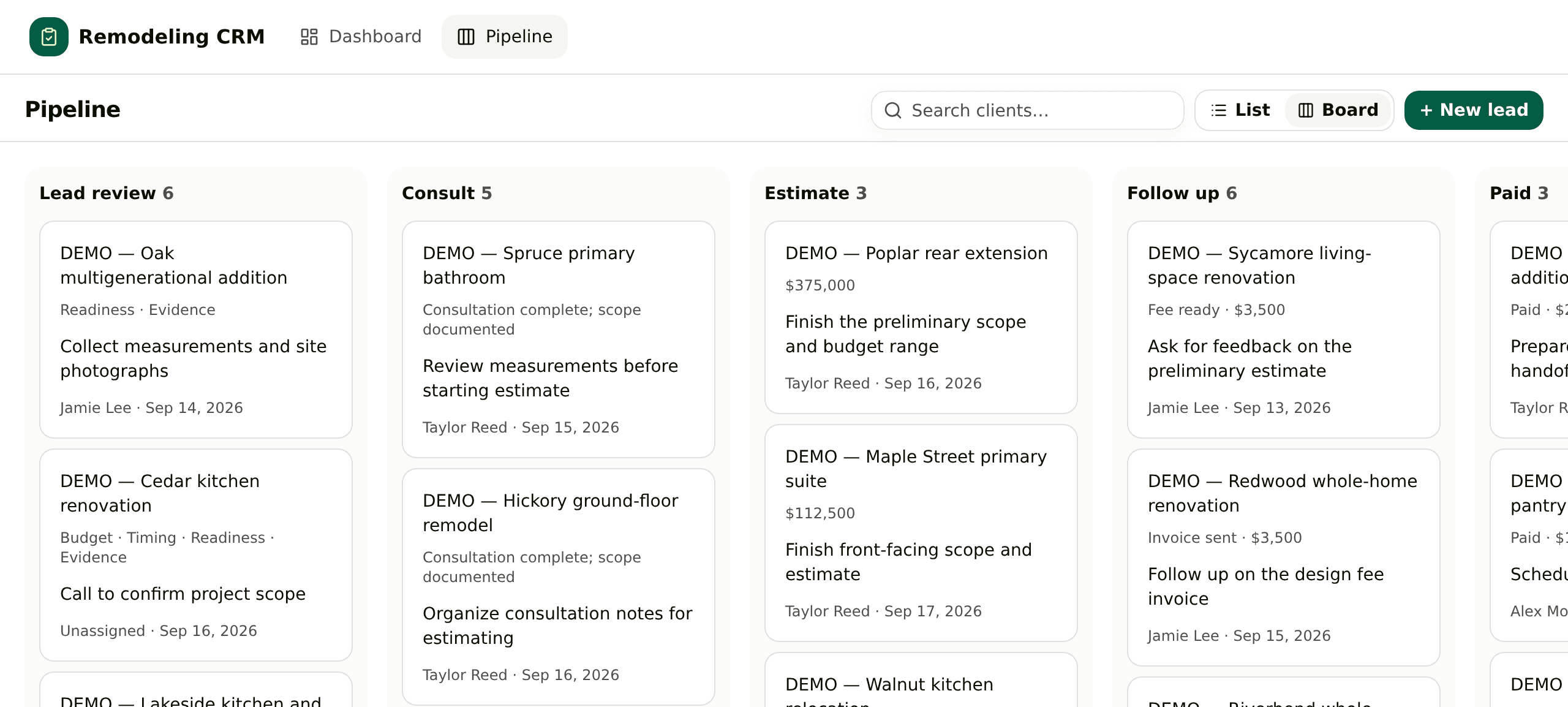
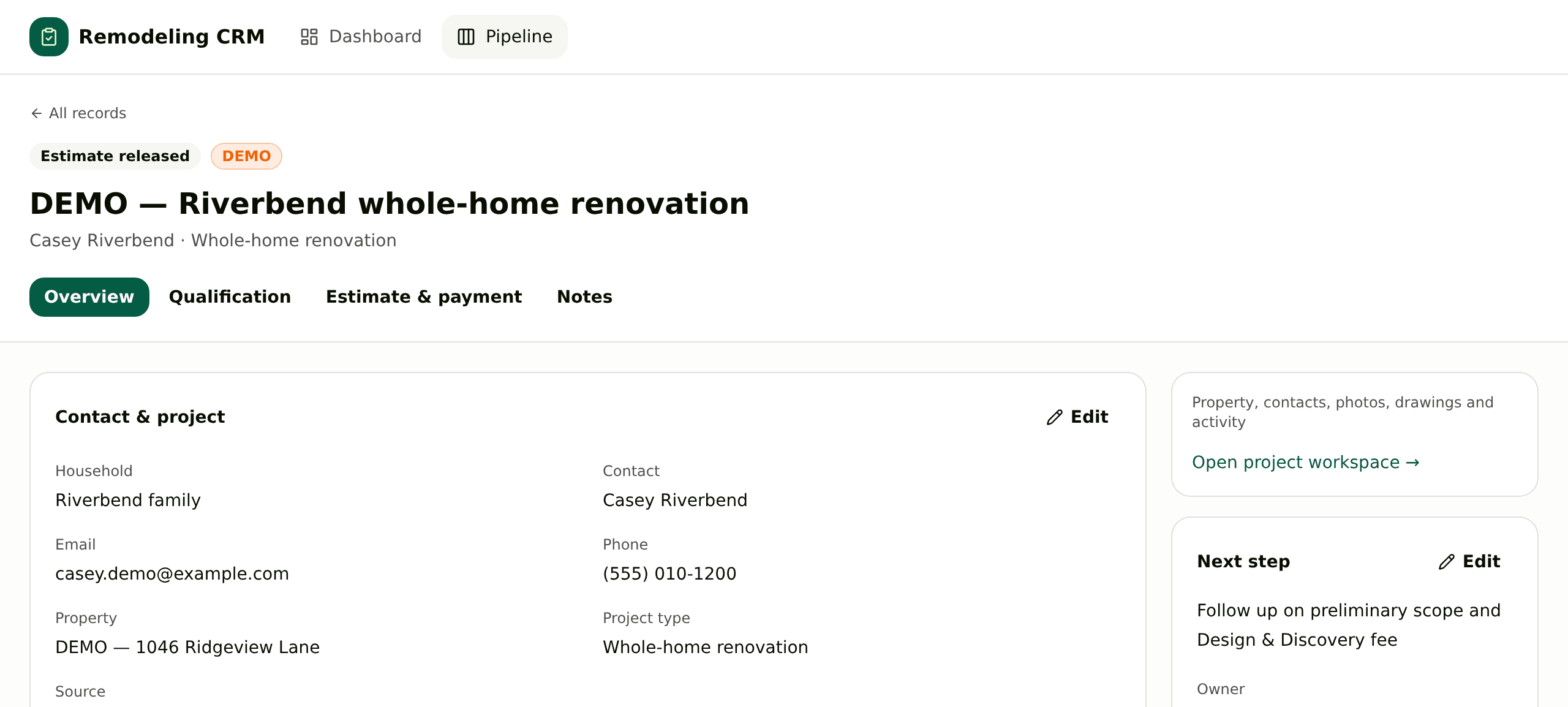
Three things the template leaves to you
- What the Design and Discovery fee covers, and what it costs.
- Which stages your jobs actually pass through, and what you call them.
- Whether estimates stay in the App or come back from the estimating tool you already run.
The setup guides inside the archive walk your agent through each one.
Questions people ask first
What makes this different from a generic sales CRM?
The record is a project, not a contact. Consultations, estimates, drawings, photos and the design fee hang off the same job, which is the unit a remodeling business actually argues about.
Does it handle estimating or accounting?
No. Those integrations are placeholders on purpose. The template covers getting from lead to a paid design fee, and leaves the estimating tool you already use alone.
Can I change the stages?
Yes. Tell your agent how your own jobs move and it edits the board; the stages that ship are a starting point taken from residential renovation work.
Paste this at your agent
Every person, address, amount, photo and floor plan that ships with it is invented and labelled DEMO, and the contacts sit on a reserved .example domain, so the first screen is safe to show anyone. The integration screens are placeholders: no accounting, estimating or transcription account is connected until you connect one.
Download https://kylon.io/app-templates/remodeling-crm-template.zip and build me a remodeling sales CRM from it. Unpack it, read README.md and TEMPLATE_GUIDE.md, and follow them: create the App, provision its database, copy the source into the checkout, replace the placeholder app id and base URL, then push a draft and send me the link. Never run SQL by hand. The numbered files in db/migrations apply themselves in order to a new empty database and seed the demo projects, so the pipeline and the board are full on the first open. Leave those rows in. Then stop. Do not import our real clients, do not connect accounting or estimating, and ask me before anything real goes in.
More in the gallery
Sales / App template
General CRM
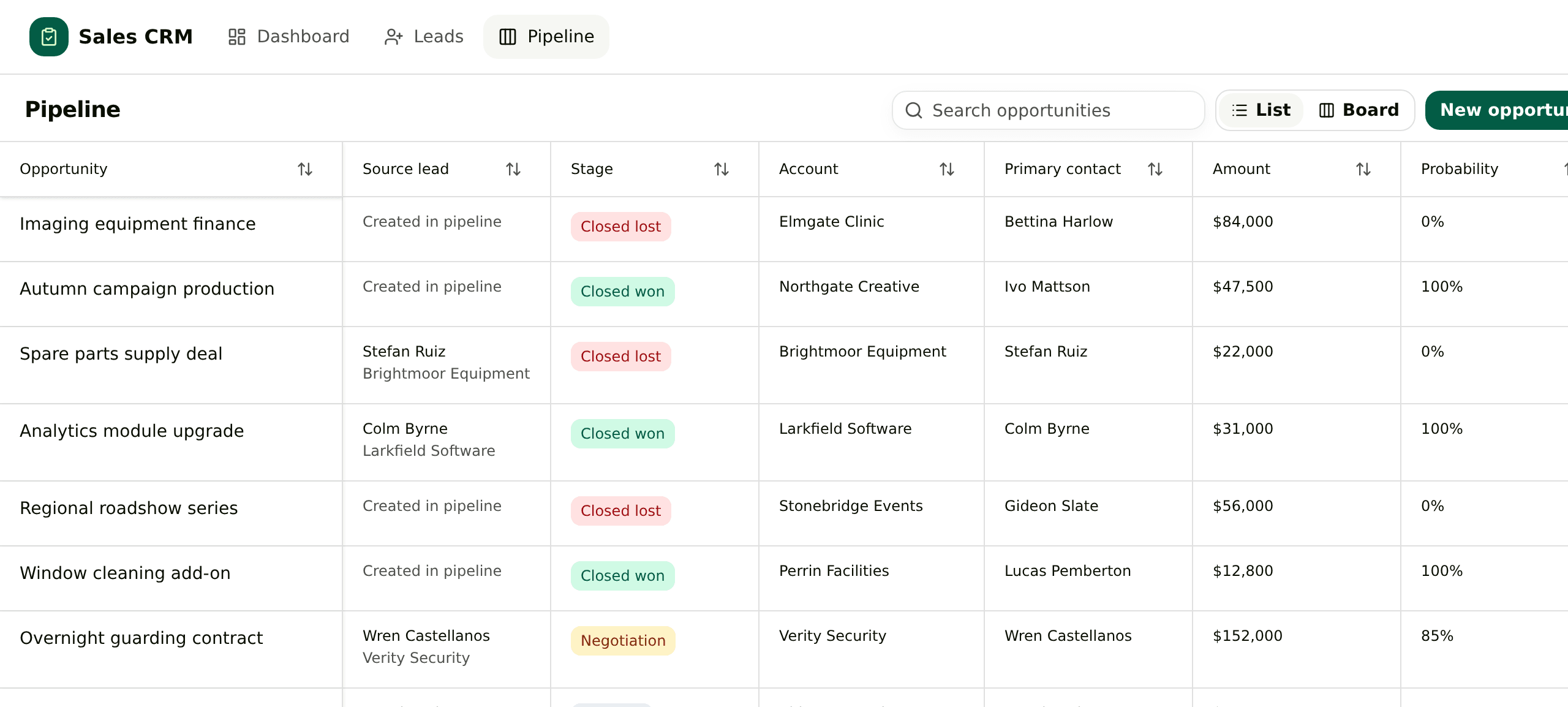
Leads, accounts, contacts and opportunities in one App. Converting a lead writes the account, the contact and the deal together, and the deal keeps reading back to the enquiry.
Marketing / App template
Creator Management
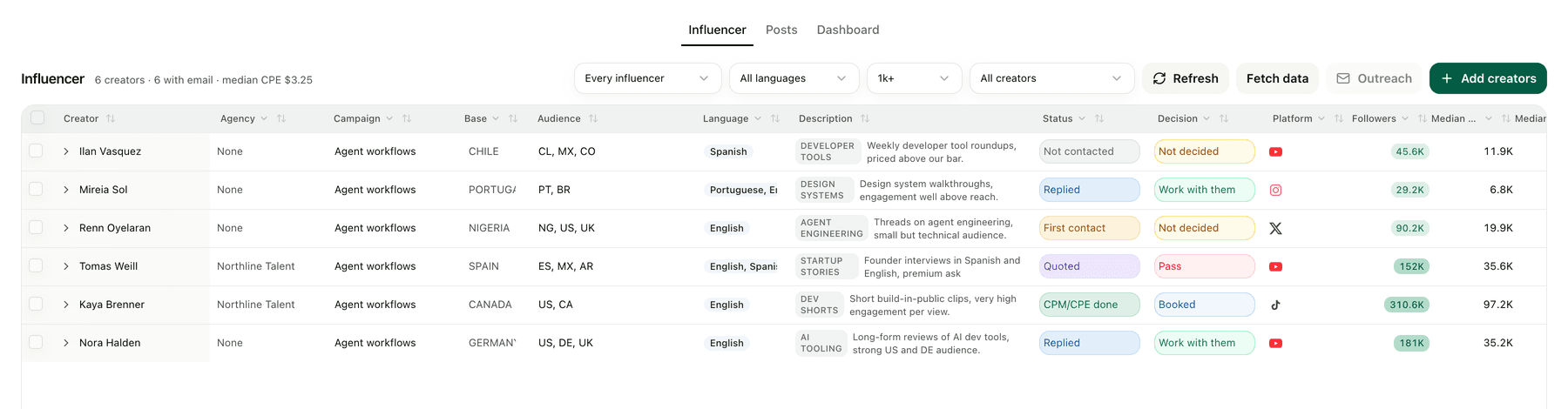
A creator roster priced against the median of each creator's last ten posts, with outreach and posts tracked through to signups.
Ecommerce / App template
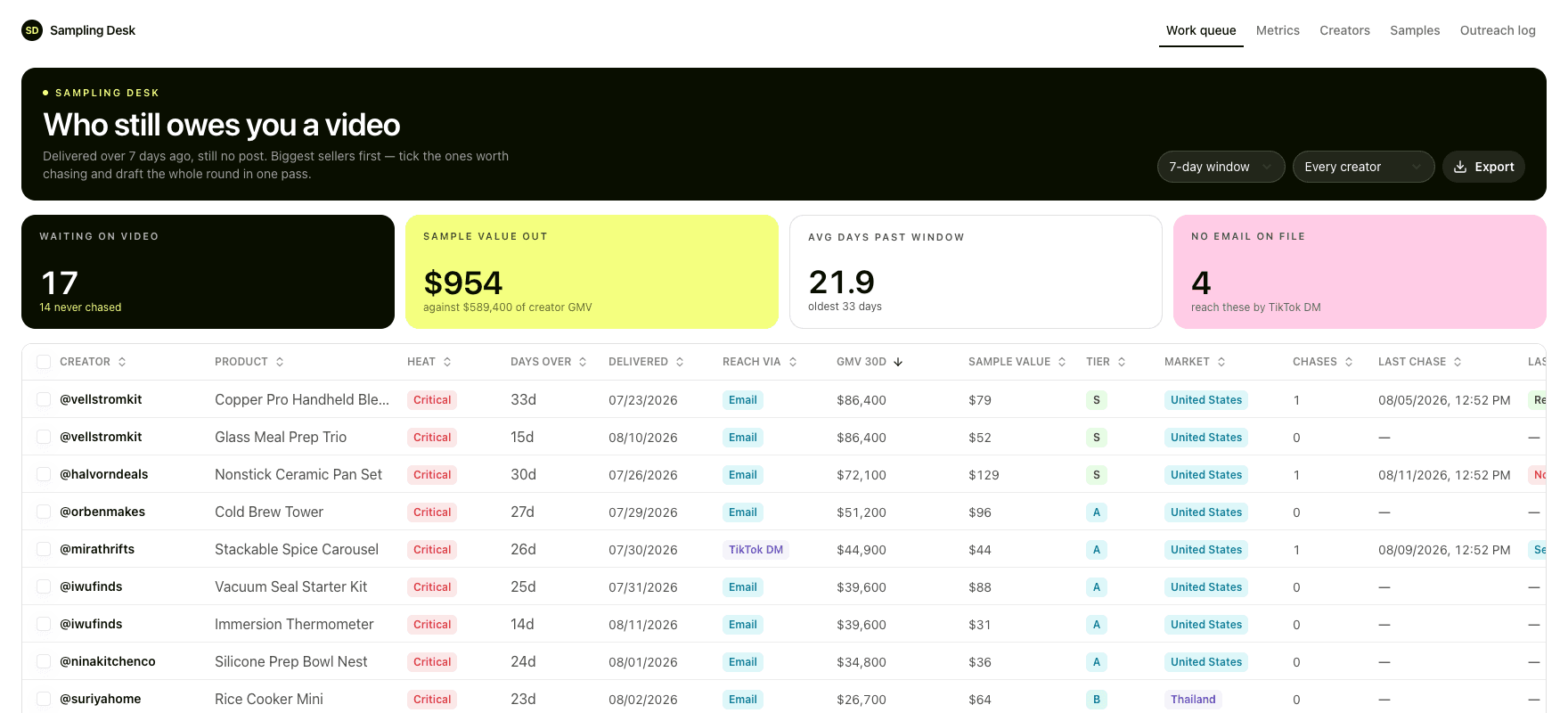
Sampling Desk
One queue for the samples that shipped and never became a video, biggest seller first.
Hiring / App template
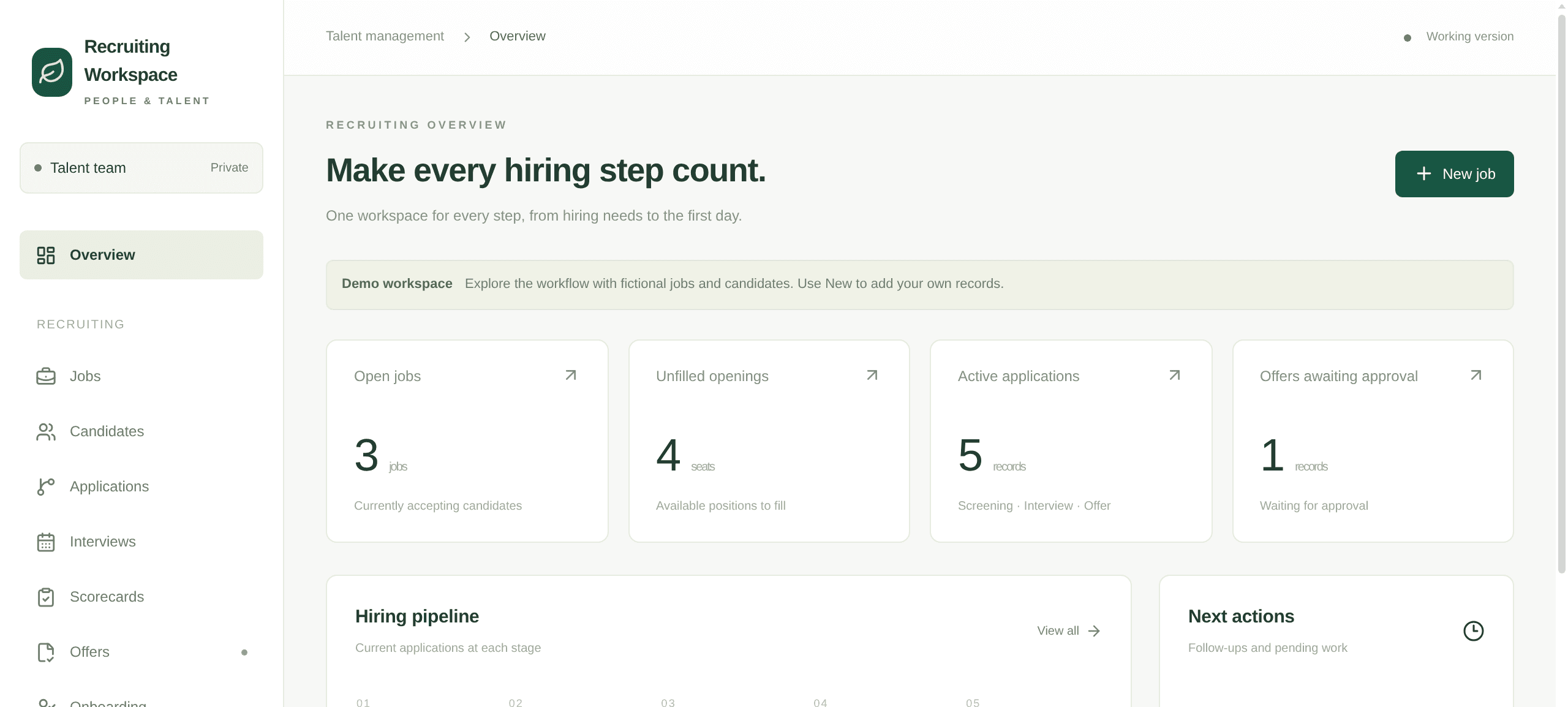
Recruiting Workspace
In-house hiring in one App: jobs and their openings, applications by stage, interviews with scorecards, offer approvals and the onboarding handover.
Travel / App template
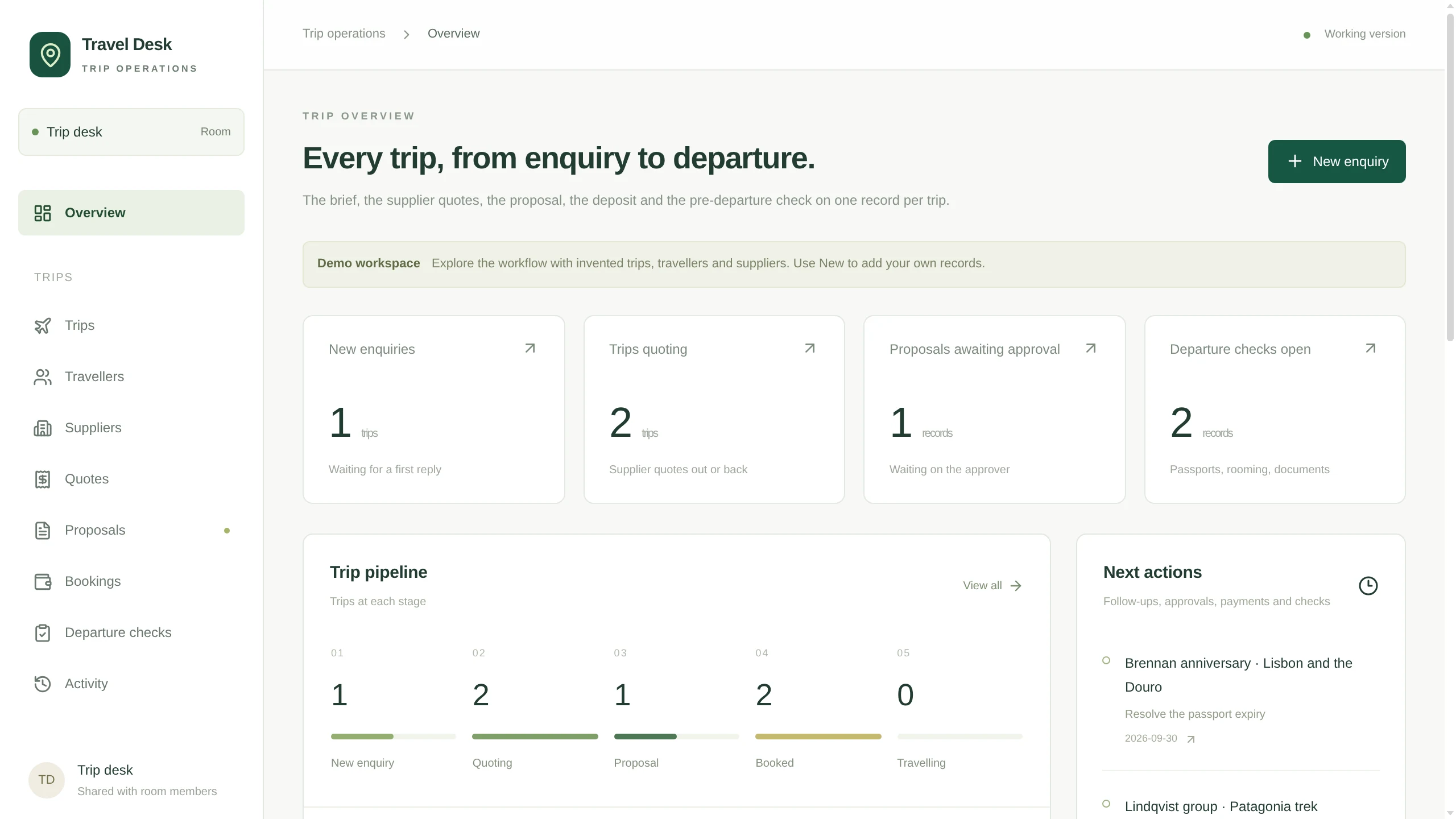
Travel Desk
A trip desk for a travel agency: enquiries with the brief in fields, travellers, supplier quotes per trip, proposals with versions and an approver, then bookings and the pre-departure check.
Yours will not look exactly like this.
That is the point. The template gives your agent a running start, then the two of you change it until it matches how the work actually goes.